
Basic Cybersecurity Tips For Beginners
Introduction
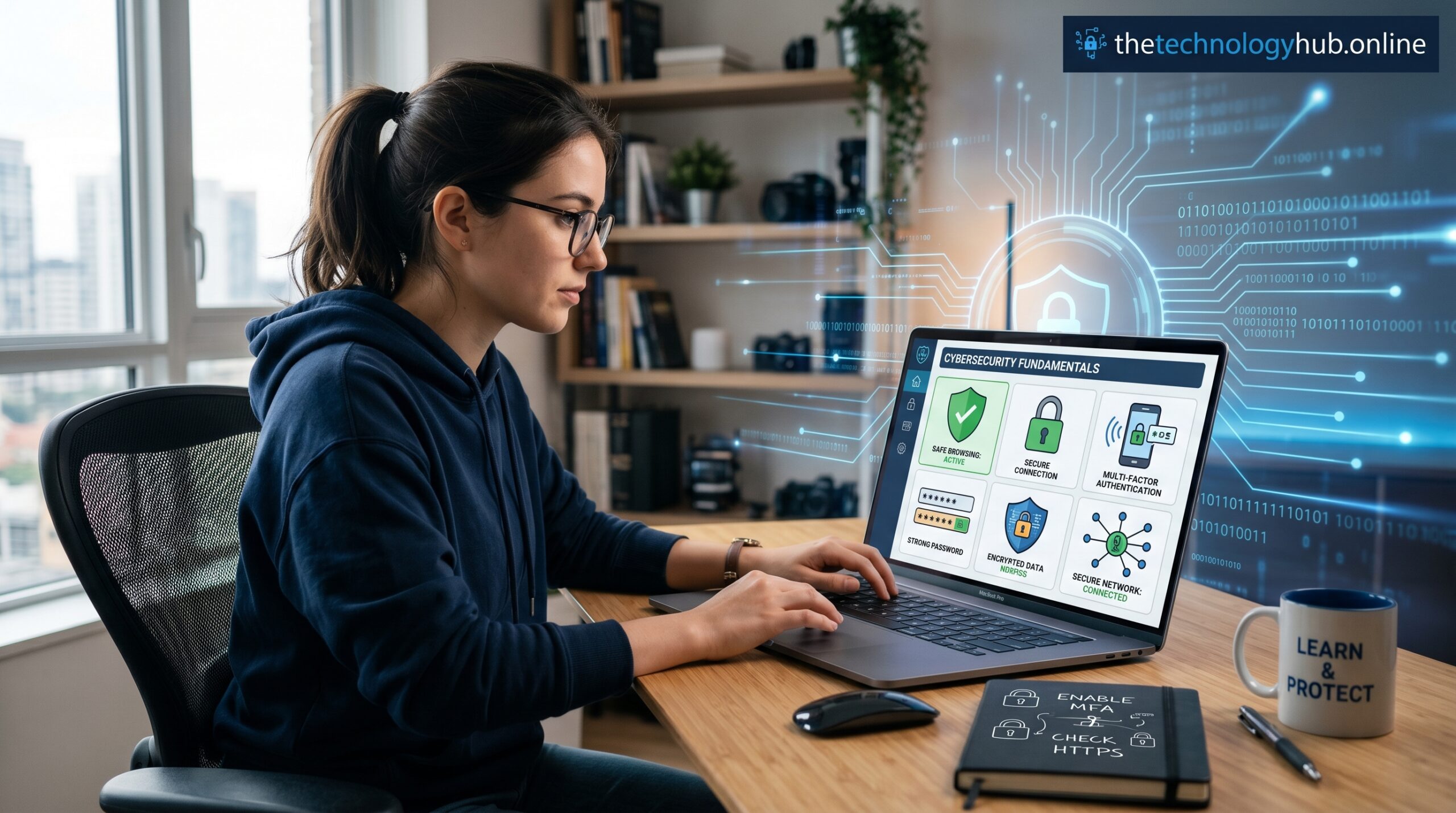
Cybersecurity has become an important part of using the internet safely. People use computers, smartphones, tablets, and online services for communication, banking, shopping, learning, and work. While digital technology provides many benefits, it also creates opportunities for cybercriminals to steal information, spread harmful software, and gain unauthorized access to accounts.
Many cybersecurity problems occur because users are unaware of simple safety practices. Beginners can reduce many online risks by learning how to protect personal data, secure devices, and recognize suspicious activities.
This guide explains basic cybersecurity tips for beginners, including password security, safe browsing, software updates, email protection, and other essential online safety practices.
Understanding Cybersecurity
Cybersecurity refers to the methods, technologies, and practices used to protect computers, networks, devices, and digital information from unauthorized access, attacks, or damage.
Cybersecurity applies to everyone, not only businesses and technology professionals. Every internet user has personal information that needs protection, including passwords, financial details, private messages, and personal documents.
Learning cybersecurity basics helps individuals maintain privacy and reduce the chances of becoming victims of online attacks.
Create Strong and Unique Passwords
Passwords are the first line of defense for online accounts. Weak passwords can be guessed or cracked by attackers using automated tools.
To create stronger passwords:
- Use a combination of uppercase and lowercase letters.
- Include numbers and special characters.
- Make passwords long and difficult to predict.
- Avoid using personal information such as birthdays or names.
- Use a different password for each online account.
Using a password manager can help store and generate secure passwords without needing to remember every password manually.
Enable Two-Factor Authentication
Two-factor authentication (2FA) adds another layer of security to online accounts. After entering a password, users must provide another verification method, such as a code sent to a mobile device or generated by an authentication application.
Even if someone discovers your password, two-factor authentication makes it more difficult for them to access your account.
Many email services, social media platforms, and financial applications provide 2FA as a security option.
Keep Software and Devices Updated
Software updates are important because they often fix security weaknesses that attackers can exploit.
Users should regularly update:
- Operating systems
- Web browsers
- Mobile applications
- Antivirus programs
- Computer software
Enabling automatic updates helps ensure that devices receive the latest security improvements.
Use Reliable Antivirus and Security Software
Antivirus software helps detect and remove harmful programs that may damage devices or steal information.
Security applications can provide protection against:
- Viruses
- Spyware
- Ransomware
- Malicious downloads
- Suspicious websites
Users should install trusted security software and keep it updated regularly.
Be Careful With Emails and Messages
Cybercriminals often use fake emails, messages, and websites to trick people into revealing personal information.
Before clicking links or downloading files:
- Check the sender’s identity.
- Look for unusual spelling or urgent requests.
- Avoid opening attachments from unknown sources.
- Verify requests for personal or financial information.
If a message appears suspicious, contact the organization directly using official contact information.
Browse the Internet Safely
Safe browsing habits can prevent many online threats.
Important practices include:
- Visit trusted websites.
- Check that websites use HTTPS connections.
- Avoid downloading files from unknown sources.
- Do not click suspicious advertisements or pop-up windows.
- Avoid sharing unnecessary personal information online.
Being careful while browsing reduces exposure to scams and malicious websites.
Protect Personal Information on Social Media
Social media accounts often contain personal information that can be used by attackers for scams or identity theft.
Users should:
- Adjust privacy settings.
- Avoid sharing addresses, phone numbers, or financial details.
- Be cautious when accepting requests from unknown individuals.
- Review what information is visible to the public.
Limiting personal information online helps maintain privacy and security.
Secure Your Wi-Fi Network
Home internet connections should be protected to prevent unauthorized access.
Useful Wi-Fi security steps include:
- Change the default router password.
- Use strong Wi-Fi passwords.
- Enable WPA2 or WPA3 encryption.
- Update router software regularly.
- Turn off features that are not needed.
A secure network helps protect all connected devices.
Back Up Important Data
Data loss can happen because of hardware failures, accidental deletion, or cyberattacks such as ransomware.
Users should create regular backups of important files, including:
- Photos
- Documents
- Work files
- Personal records
Backups can be stored on external drives or secure cloud services.
Avoid Public Wi-Fi Risks
Public Wi-Fi networks in places such as cafes, airports, and hotels may not be secure.
When using public networks:
- Avoid accessing banking accounts.
- Do not enter sensitive information.
- Use a virtual private network (VPN) when possible.
- Disable automatic connections to unknown networks.
These precautions reduce the risk of information theft.
Understand Common Cybersecurity Scams
Online scammers use many techniques to trick users.
Examples include:
Phishing
Fake messages that attempt to steal passwords, financial information, or personal data.
Fake Websites
Websites designed to look like legitimate services in order to collect user information.
Tech Support Scams
Scammers pretending to be technical support representatives requesting payment or device access.
Online Shopping Scams
Fake online stores offering products that do not exist or never arrive.
Recognizing these scams helps users avoid becoming victims.
Practice Safe Downloading
Downloading files from unreliable sources can introduce harmful software to devices.
Follow these practices:
- Download software only from official websites or app stores.
- Read reviews before installing applications.
- Check requested permissions.
- Remove applications that are no longer used.
Careful downloading reduces security risks.
Monitor Your Online Accounts
Regularly checking online accounts helps identify suspicious activities early.
Users should monitor:
- Bank transactions
- Email login alerts
- Social media activity
- Account security notifications
Change passwords immediately if unauthorized activity is detected.
Learn Basic Cybersecurity Awareness
Cybersecurity is not a one-time task. New threats appear as technology changes, making continuous learning important.
Following technology news, understanding current scams, and reviewing security settings regularly help users remain protected.
Even simple security habits can prevent many common online attacks.
Conclusion
Cybersecurity is an essential skill for anyone using digital devices and online services. Beginners can improve their online safety by creating strong passwords, enabling two-factor authentication, updating software, using security tools, and staying alert to suspicious activities.
No security method provides complete protection, but combining several practices greatly reduces online risks. Developing good cybersecurity habits today helps protect personal information, devices, and digital accounts in the future.
Frequently Asked Questions (FAQs)
1. What is cybersecurity in simple terms?
Cybersecurity is the process of protecting computers, devices, networks, and personal information from unauthorized access and online attacks.
2. Why are strong passwords important?
Strong passwords make it harder for attackers to access online accounts and steal personal information.
3. What is two-factor authentication?
Two-factor authentication is an additional security step that requires another form of verification besides a password.
4. Is antivirus software necessary?
Antivirus software helps detect harmful programs and provides additional protection against online threats.
5. How can I browse the internet safely?
Use trusted websites, avoid suspicious links, keep software updated, and do not share unnecessary personal information.
6. What should I do if my account is hacked?
Change your password immediately, enable two-factor authentication, review account activity, and contact the service provider for assistance.